 Albanien
 Amerikas förenta stater
 Argentina
 Australien
 Belgien
 Bosnien och Hercegovina
 Brasilien
 Bulgarien
 Chile
Chile
 Colombia
 Danmark
 Estland
 Filippinerna
 Finland
 Frankrike
 Grekland
 Irland
 Italien
 Kanada
 Kroatien
 Lettland
 Litauen
 Luxemburg
 Mexiko
 Moldavien
 Montenegro
 Nederländerna
 Nordmakedonien
 Norge
Norge
 Nya Zeeland
 Polen
Polen
 Portugal
 Rumänien
 Schweiz
 Serbien
 Slovakien
 Slovenien
 Spanien
 Storbritannien
 Sverige
 Sydafrika
 Tjeckien
 Turkiet
 Tyskland
 Ukraina
 Ungern
 Österrike



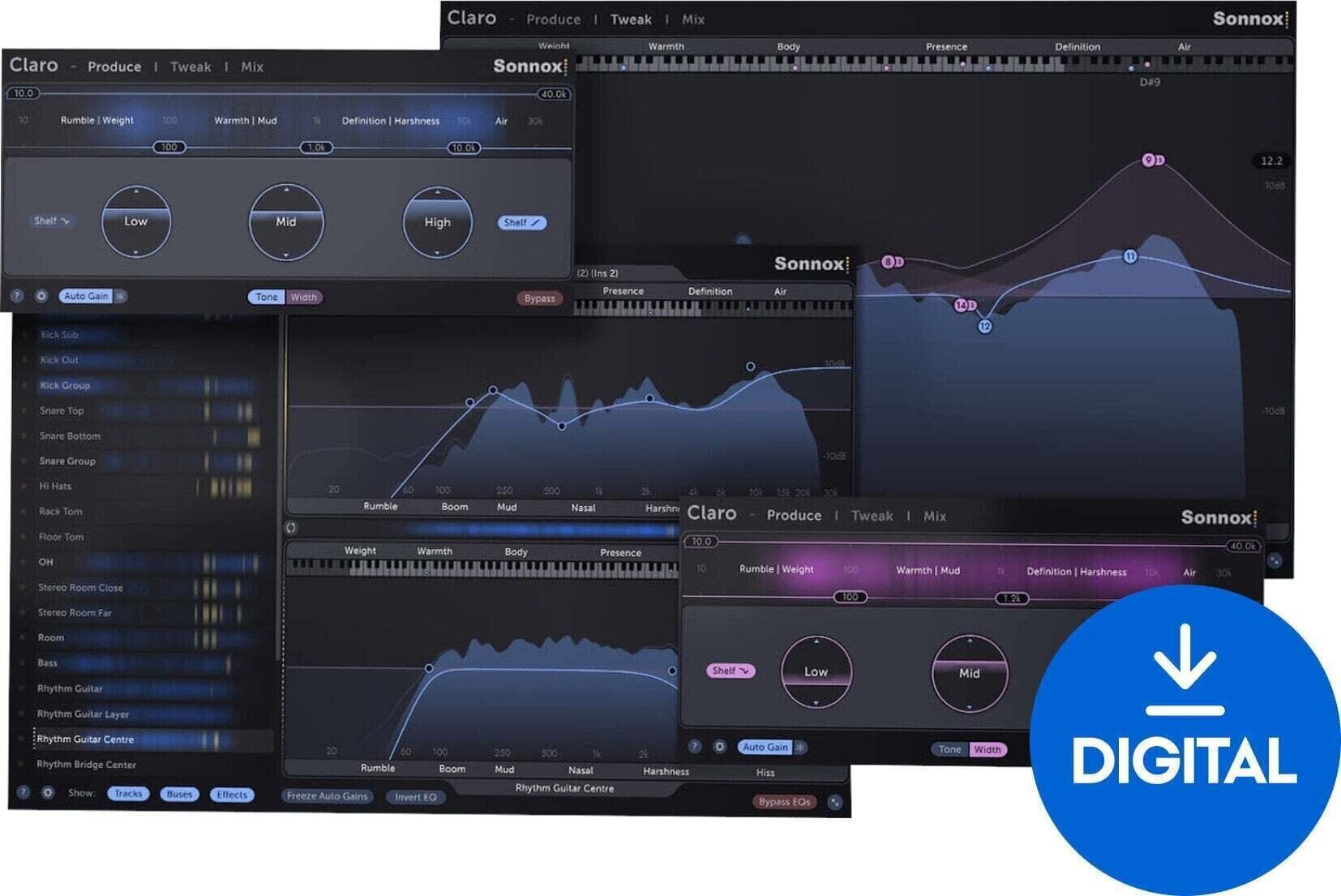
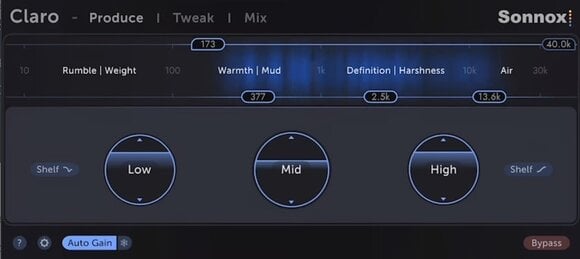
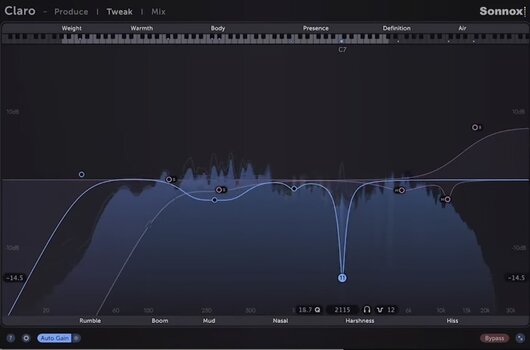
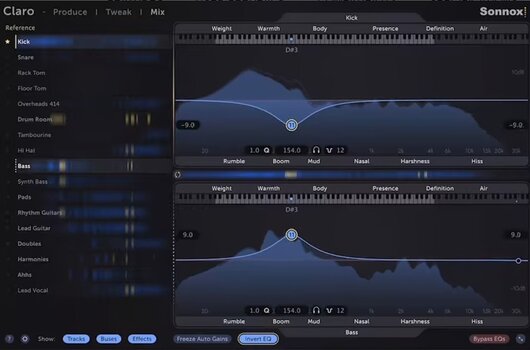
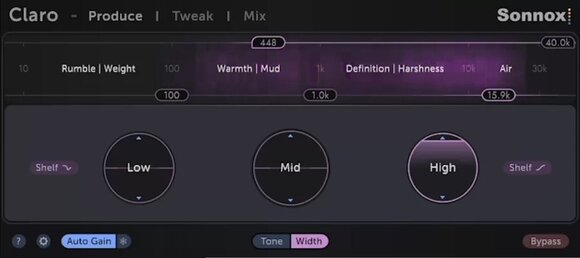

Sonnox Toolbox Claro (Digital produkt)
Introducing the Sonnox Toolbox Claro, a versatile audio plugin meticulously crafted to elevate audio clarity and transparency in your productions effortlessly. Engineered with cutting-edge algorithms and intuitive controls, Claro offers a comprehensive arsenal of powerful features to refine and perfect your mixes.
- Surgical Precision EQ: Sculpt frequencies with unmatched precision using Claro's transparent EQ module. Ensure pristine clarity and detail in your mixes without unwanted coloration.
- Intelligent Dynamic EQ: Address tonal imbalances and achieve a cohesive mix balance seamlessly with Claro's dynamic EQ feature. This intelligent tool automatically adjusts frequencies in real-time.
- Transient Shaping Power: Add punch and definition to drums, percussion, and other transient-rich elements with pinpoint control using Claro's transient shaper.
- Analog-Emulated Saturation: Infuse warmth and character into your tracks with Claro's saturation module. This module emulates the pleasing distortion characteristics of analog hardware, adding richness and depth.
- Mastering-Grade Limiting: Achieve professional-level loudness and dynamics control for your mixes with Claro's top-shelf limiter. Ensure your productions are ready for distribution across any platform.
- DAW Compatibility: Seamlessly integrate Claro into any DAW you use, thanks to its support for VST, AU, and AAX formats. This makes Claro an essential tool for both project studios and professional mixing environments.
DOWNLOAD: http://www.sonnox.com/register
In order use Sonnox plugins, you will need a free iLok account and the iLok Licence Manager installed in order to authorise your plugin and manage the licence. Please see Sonnox helpdesk article - What is iLok? for a detailed overview.
To register for a free iLok account and to create your iLok ID, please follow this link.
After registering, please then download and install the iLok Licence Manager.
After installing Licence Manager on your system, please log in with your new ID and password. Please then go back to your Sonnox order confirmation email, and click on the 'Download' link again to go back to the iLok Licence deposit window. Please then enter your iLok ID where prompted, and this will deposit your licence into your iLok account for you to activate in your newly installed Licence Manager software. You'll then be redirected to the installer page to download the plugin.
Then see the following helpdesk articles for further information on how to store, manage and activate your licences:
Which locations can I use for my Sonnox licence?

Licensens längd
Download
Plug-in-format som stöds
AAX, VST, AU
Licens
Dokument
Säkerhetsanvisningar
Se användarhandboken för specifika säkerhetsinstruktioner för den här produkten.



Förlängd garanti +3 år

Retur upp till 30 dagar

Prisgaranti

Mer än 3 miljoner kunder

Professionell support